Free
Worry Leaves
Write a worry. A leaf carries it away.

23 small, calm nature places for iPhone and iPad. Let a worry float away, burn a note by candlelight, breathe the clouds away. One quiet minute, whenever you need it.
Every place is a tiny world of its own, made to calm you down in about a minute.
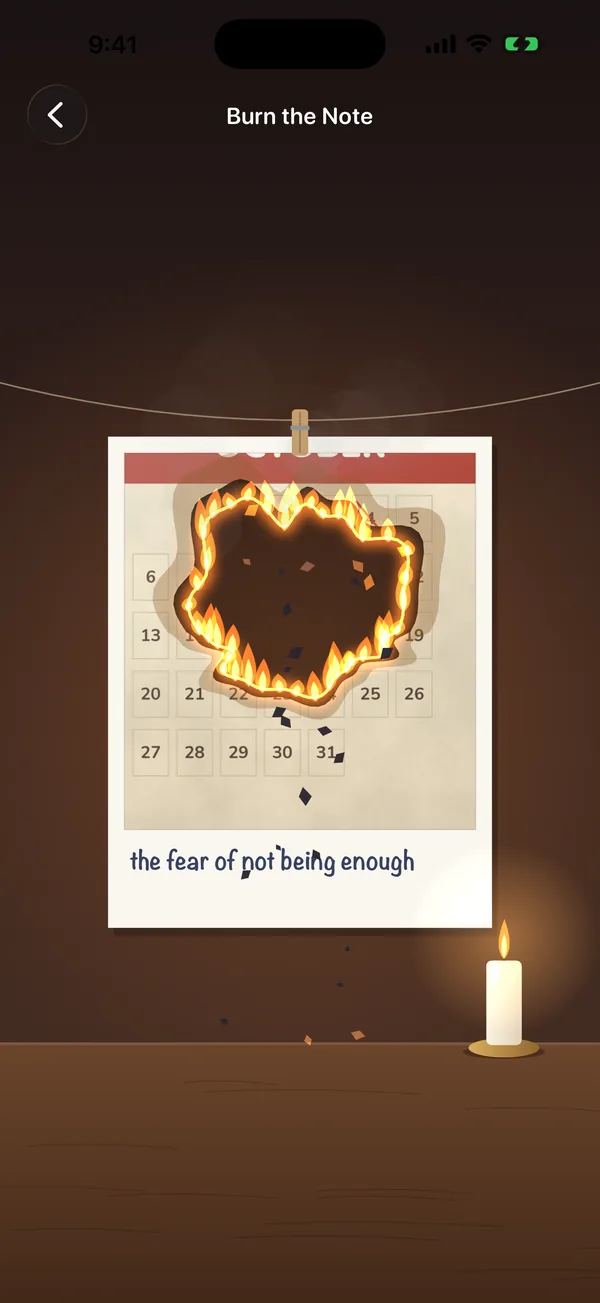
Write a worry and watch it burn, float, sink or wash away.
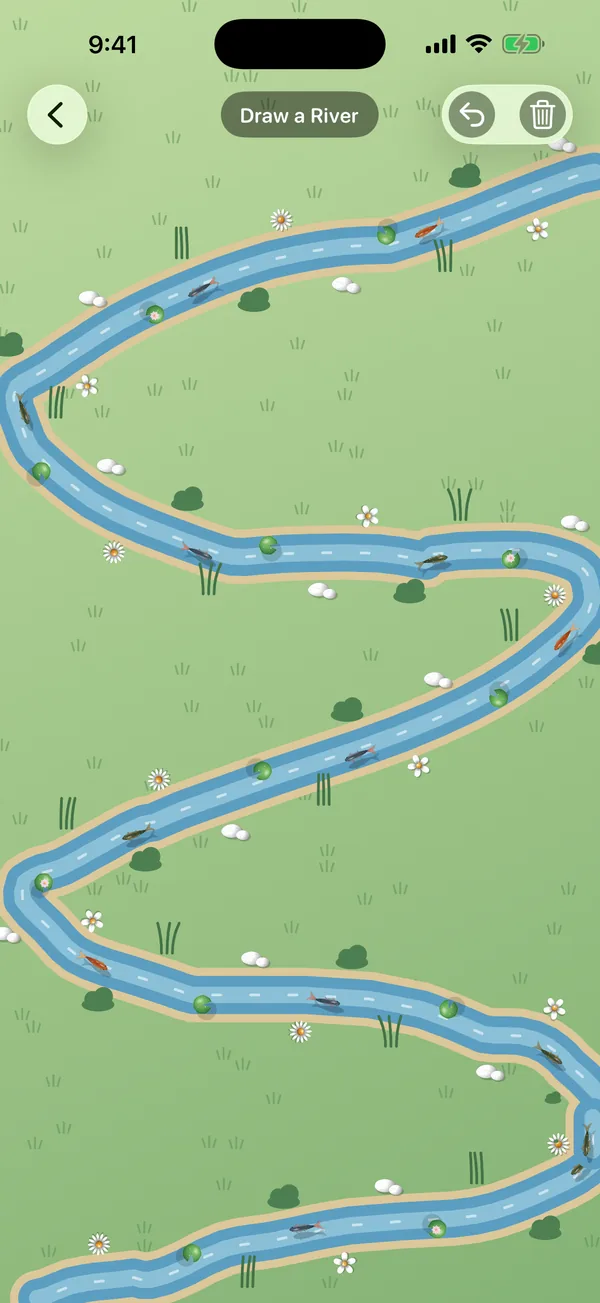
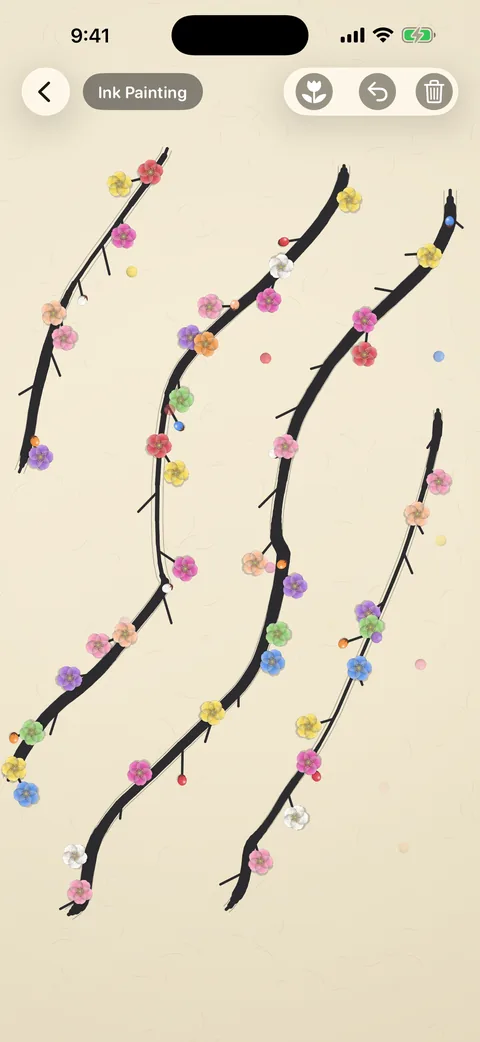
Draw rivers, rake sand, paint blossoms and grow vines.
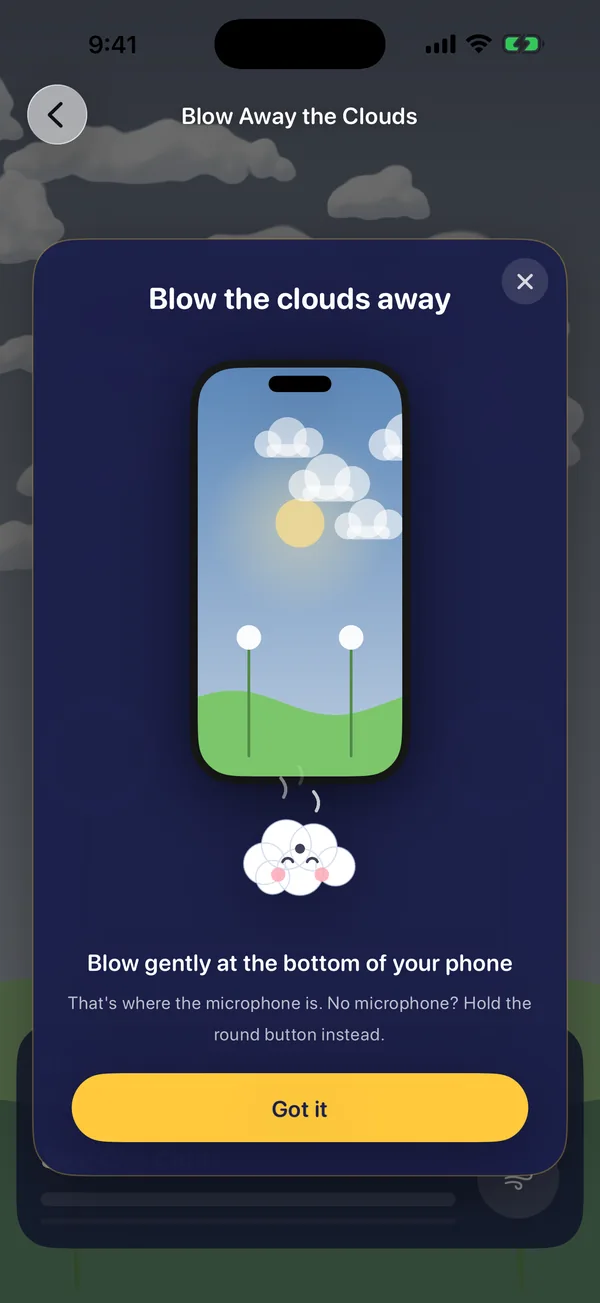
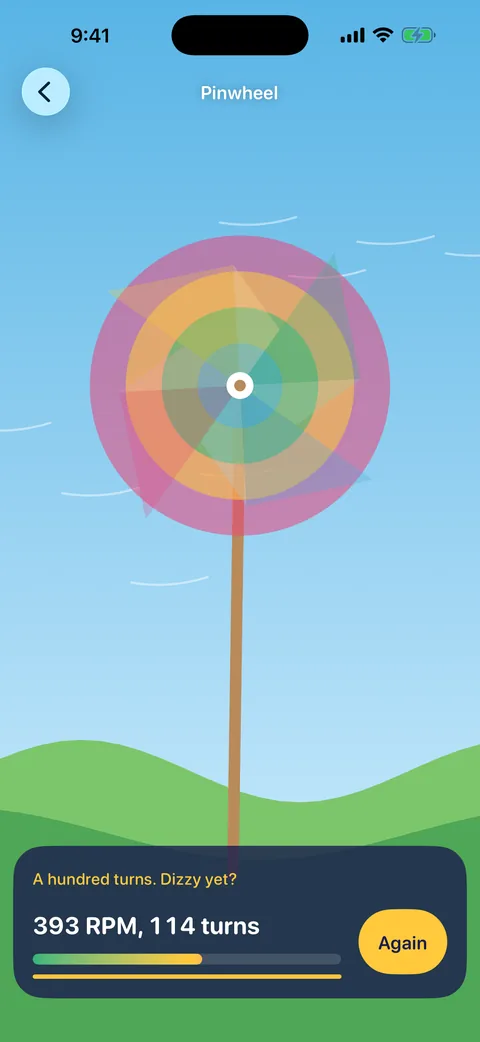
Your breath moves the clouds, spins the pinwheel and calms the storm.
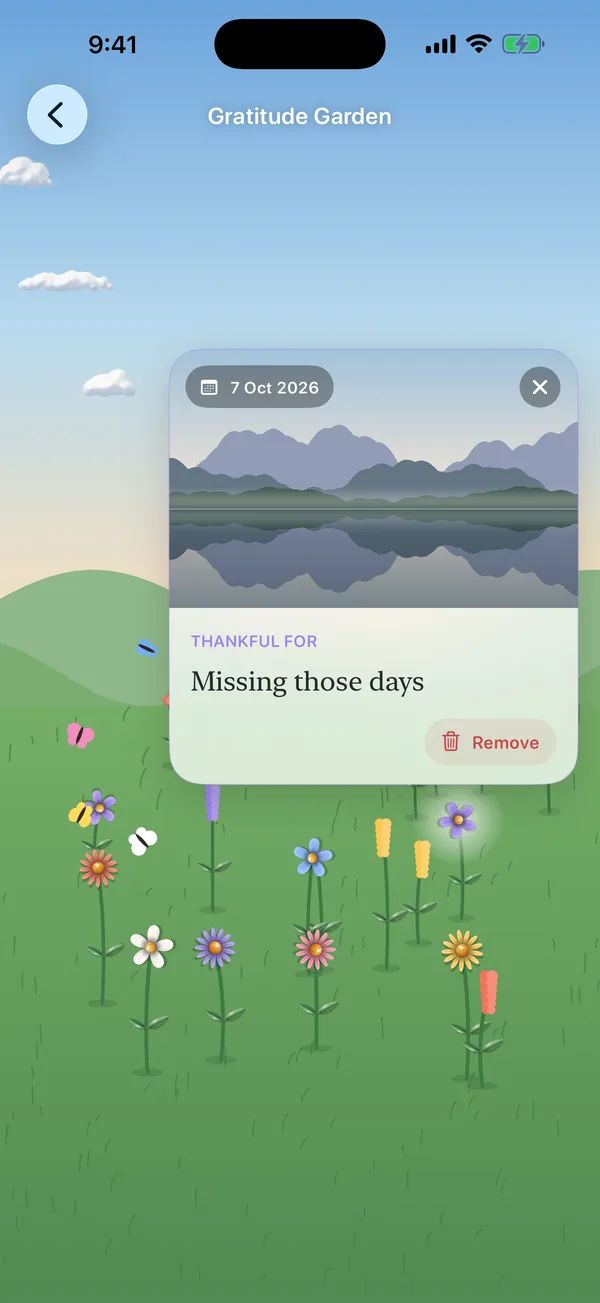
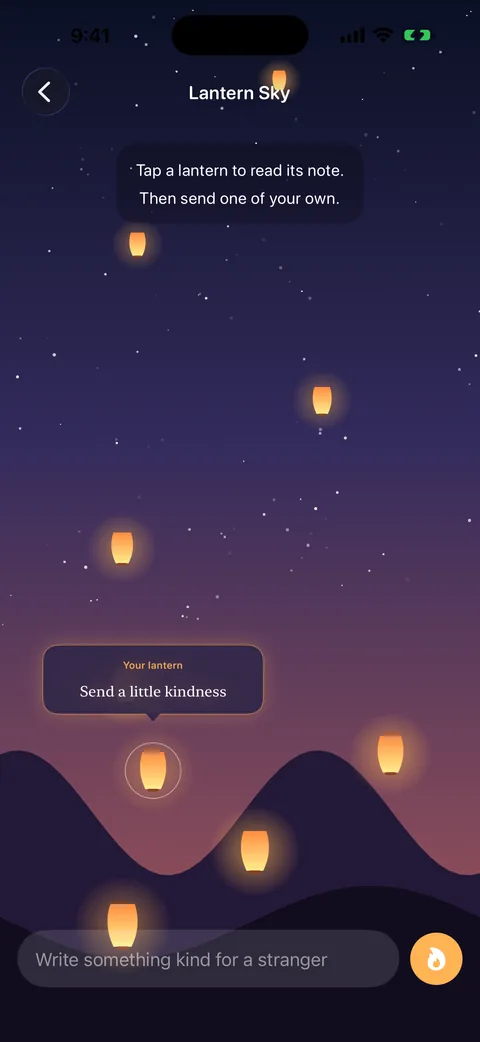
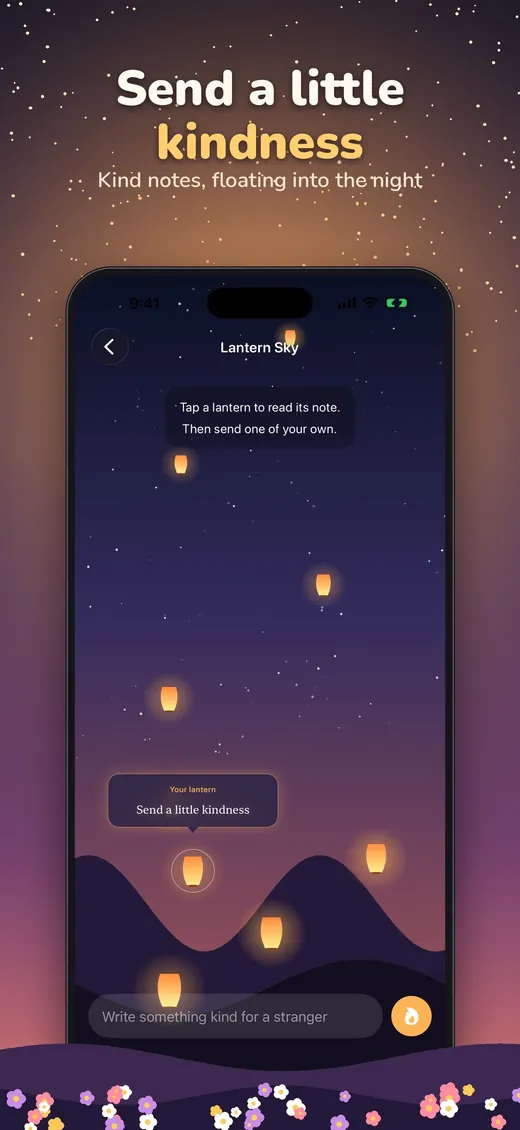
Grow a gratitude garden and send kind lanterns into the night.
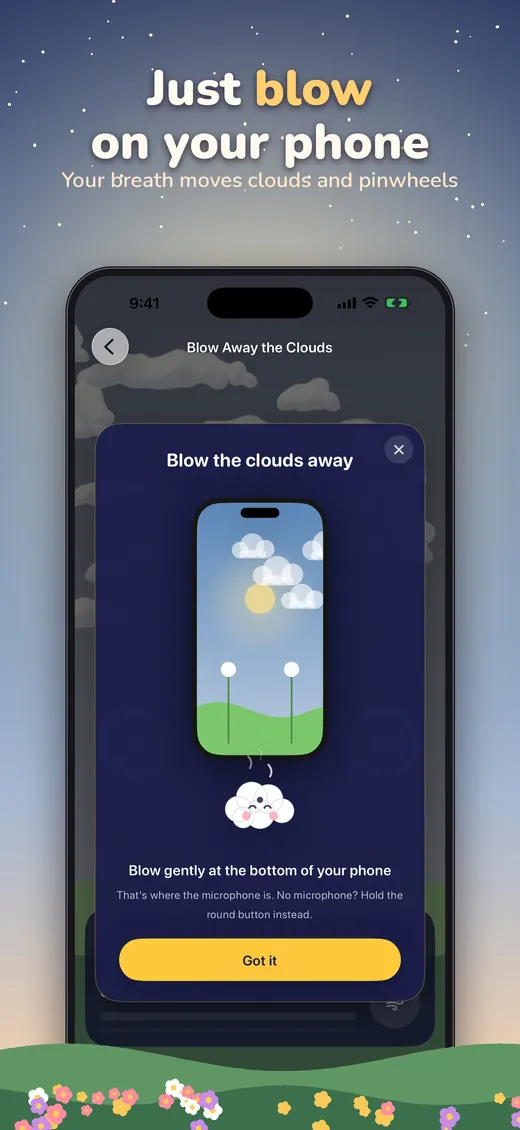
Breathe out gently at your iPhone and the clouds drift away, dandelion seeds fly, the pinwheel spins. Pocket Meadow listens for a real breath, so talking does not count, and nothing is ever recorded.
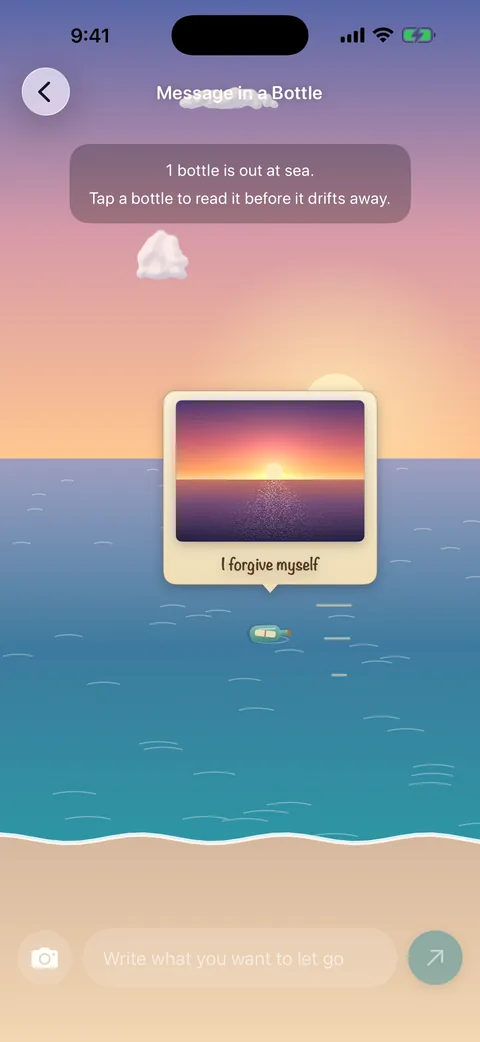
Turn a photo into a Polaroid that floats down the river, burns by candlelight, sails away on a paper boat or sinks with a stone. Photos never leave your phone.
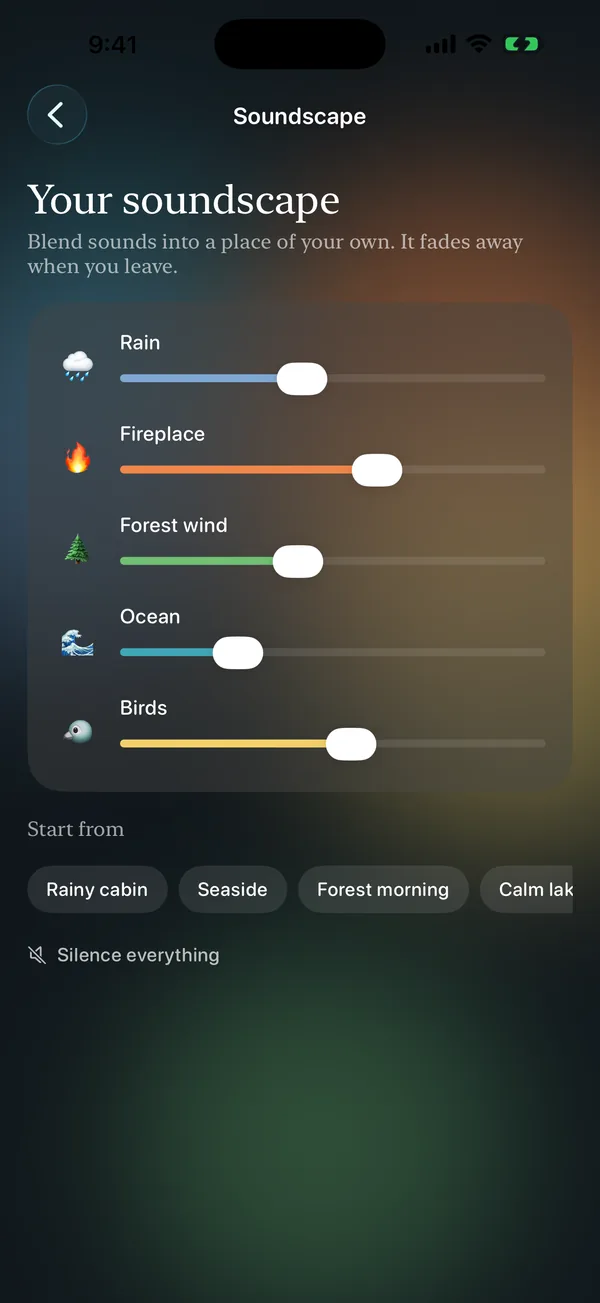
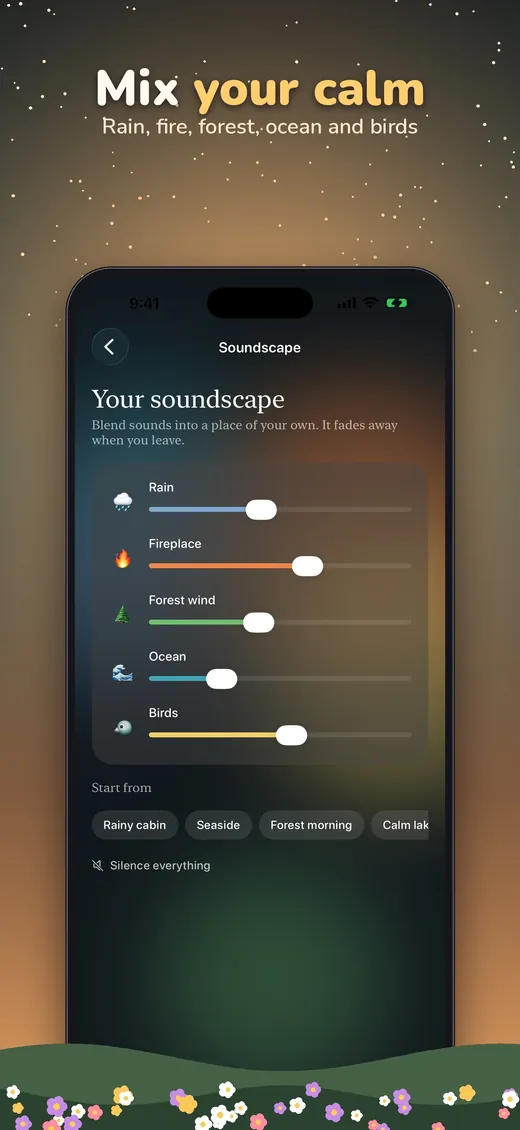
Blend rain, a crackling fireplace, forest wind, ocean waves and birdsong into a soundscape of your own. Free for everyone.
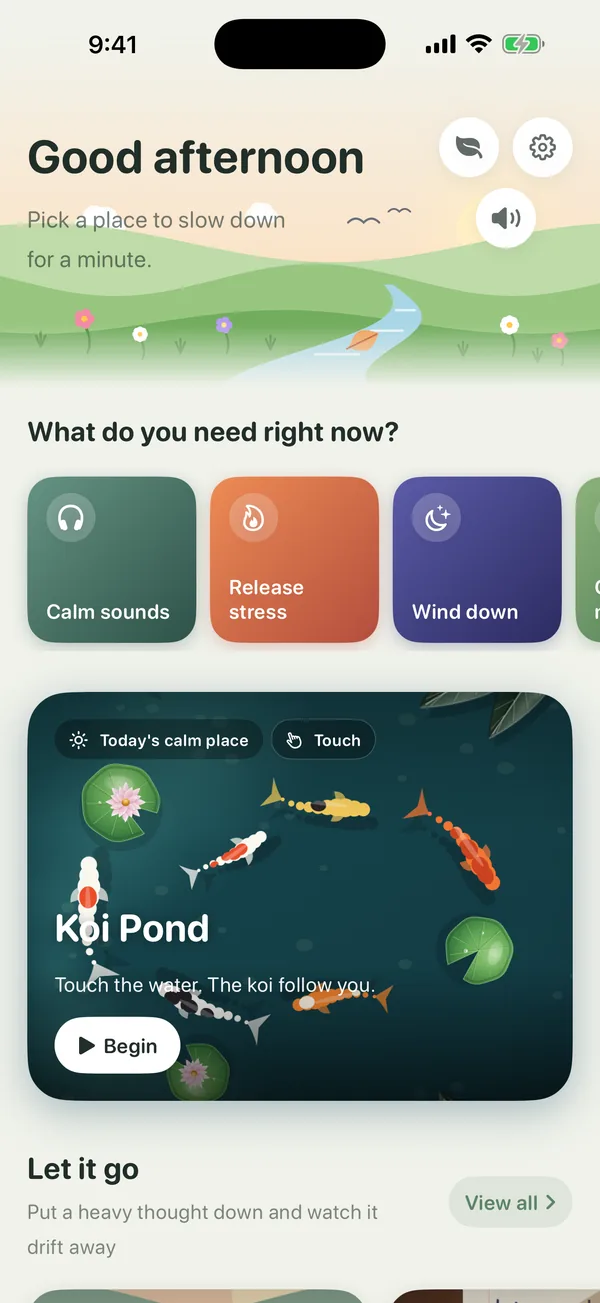
Choose how fast every place moves. Soft nature sounds, gentle vibrations, light and dark mode, iPhone and iPad.
Burn a note, float a leaf, draw a river, let the tide take your words, breathe the clouds away, grow good things. All in your pocket.
One place in every group is free to try, plus Calm Sounds. Pocket Meadow Plus opens them all.
Put a heavy thought down and watch it drift away
7 places
Write a worry. A leaf carries it away.
Write it down. A candle burns it away.
Draw in the sand. The tide smooths it.
Write a worry. It sails off on a boat.
Name a stone. Drop it in the pond.
Write a thought. Watch it float away.
 Plus
PlusWrite a note. The sea takes the bottle.
Draw, rake and paint without any rules
8 places
Draw a line. Water and fish follow it.
Draw a line. Flowers climb along it.
Draw a path. A small friend walks it.
Rake the sand. Place quiet stones.
 Plus
PlusPaint branches, bamboo and mountains.
Touch the water. The koi follow you.
Tap stars to make your own shapes.
Draw on misty glass over a rainy city.
Let your breath set the pace
5 places
Blow gently. The clouds move away.
 Plus
PlusThe harder you blow, the faster it spins.
Spin the blades to light the village.
Breathe slowly until the rain stops.
Move slowly. The fireflies come close.
Small kind moments that stay with you
3 places
Rest for one minute. A tree grows.
Write a thank-you. A flower grows.
 Plus
PlusSend a kind note up into the night.





No subscription, no ads, no tricks.
Try it, take your time.
Every calm place, yours to keep.
Prices are shown in your local currency on the App Store and may vary by country.
No accounts, no analytics, no tracking. We never see what you write.
Notes and drawings fade away. Only your gratitude garden is kept, on your device.
The microphone only notices a breath, live, and never records or saves anything.
A quiet place should stay quiet. No banners, no pop-ups, no subscriptions.
Found a problem, or have an idea for a new calm place? We'd love to hear from you.
Open the app, tap the gear on the home screen, then Restore purchase. Use the same Apple ID you bought it with.
Check that your iPhone's volume is up. On the home screen, tap the round speaker button and make sure sound is on. There you can also change the volume and turn vibration on or off.
On the home screen, tap the round Pace button and choose Slow, Normal or Lively. Every place follows your choice.
On the home screen, tap Calm sounds, the first card under "What do you need right now?". Mix rain, fireplace, forest wind, ocean and birds.
Go to iPhone Settings → Pocket Meadow and turn on Microphone. Blow gently toward the bottom of your iPhone (or the top of your iPad), where the microphone is. Talking does not count — only a real breath out. You can also press and hold the round button to blow.
Tap the camera button next to the text box (or at the bottom of Foggy Window). Take a photo or choose one from your library. Photos are never uploaded. Only Gratitude Garden keeps a photo with its flower, on your phone, so you can see it again.
Go to iPhone Settings → Pocket Meadow and turn on Camera. You can always choose a photo from your library instead.
They are saved on your phone and stay when you update the app. They are removed if you delete the app.
Purchases are handled by Apple. Request a refund at reportaproblem.apple.com.
Still need help? Email pocketmeadowplus@gmail.com — we usually reply within 2 days.